Keeping every client moving.
Aidium is an enterprise CRM for mortgage loan officers. A new lead starts a chain of communications and tasks that continues through a loan application. Managing every step manually puts pressure on the people responsible for keeping that journey on track.
I worked with product management and frontend and backend engineering, leading research, wireframes, prototypes, and interaction flows for automation setup, triggers, and actions.
Two jobs hiding inside “automation.”
Conversations with loan officers and organization admins revealed a recurring problem: tracking a workflow and making sure the right communications went out on time. Customers also needed one-off campaigns, including messages for life events and loan anniversaries.
I combined interviews, workflow mapping, behavioral feedback, and support-ticket review to understand where setup became confusing. The key distinction was between a finite campaign and a workflow that continues as a client moves through the pipeline.
A defined start and finish.
A focused set of communications for a particular event or goal.
An ongoing client journey.
Steps and conditions that respond to a client’s progress.
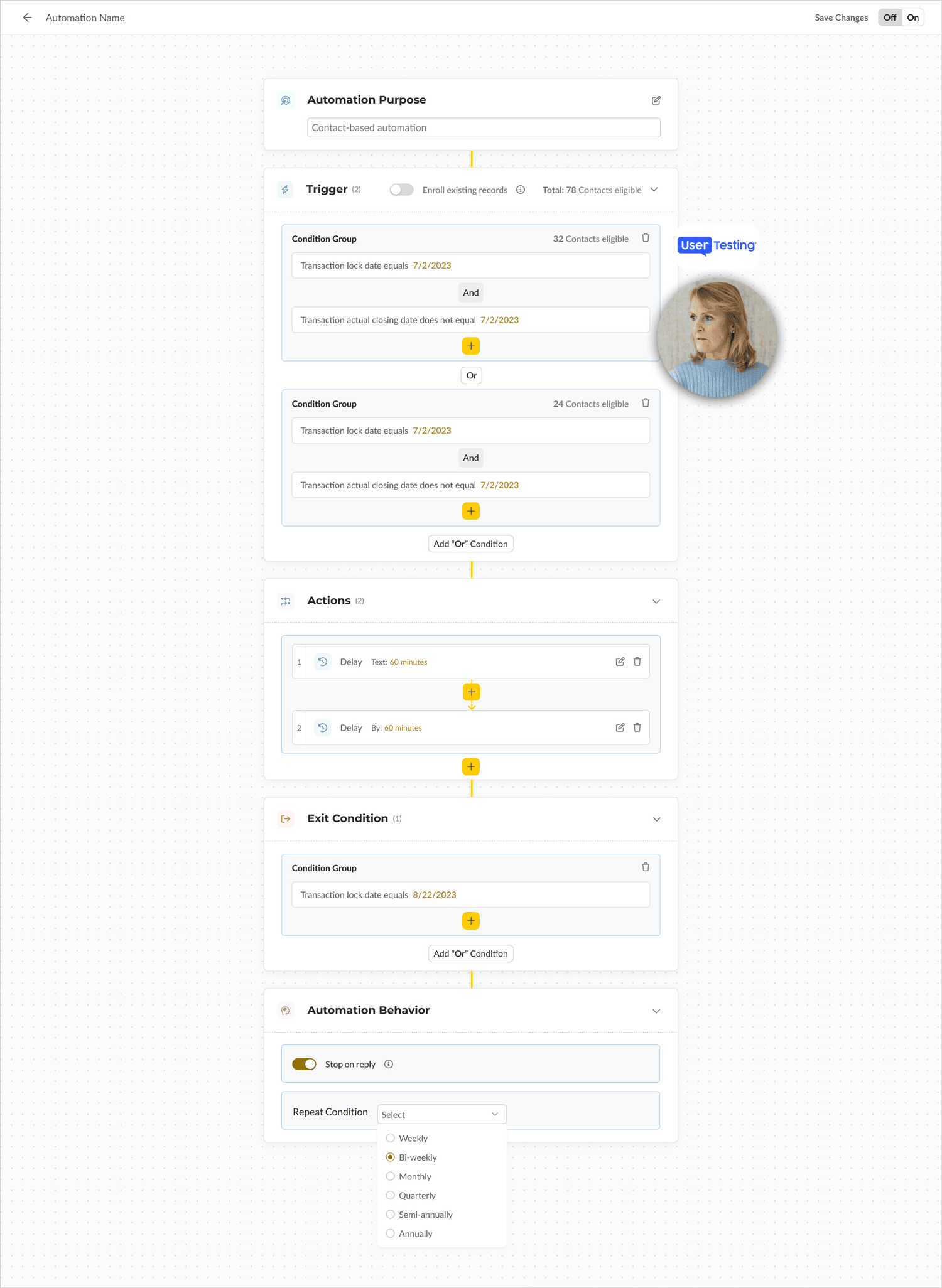
Make the system visible before refining it.
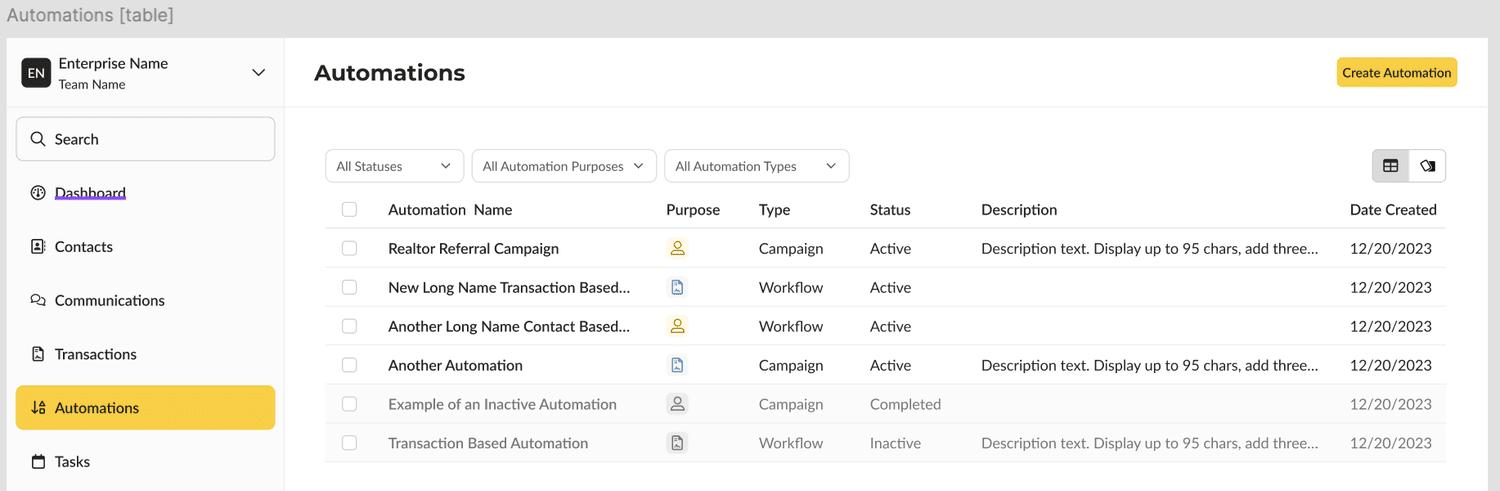
I used Miro to map journeys, sketch flows, and bring the team into the exploration. Low-fidelity Figma wireframes helped us review the structure before progressing to interactive prototypes.
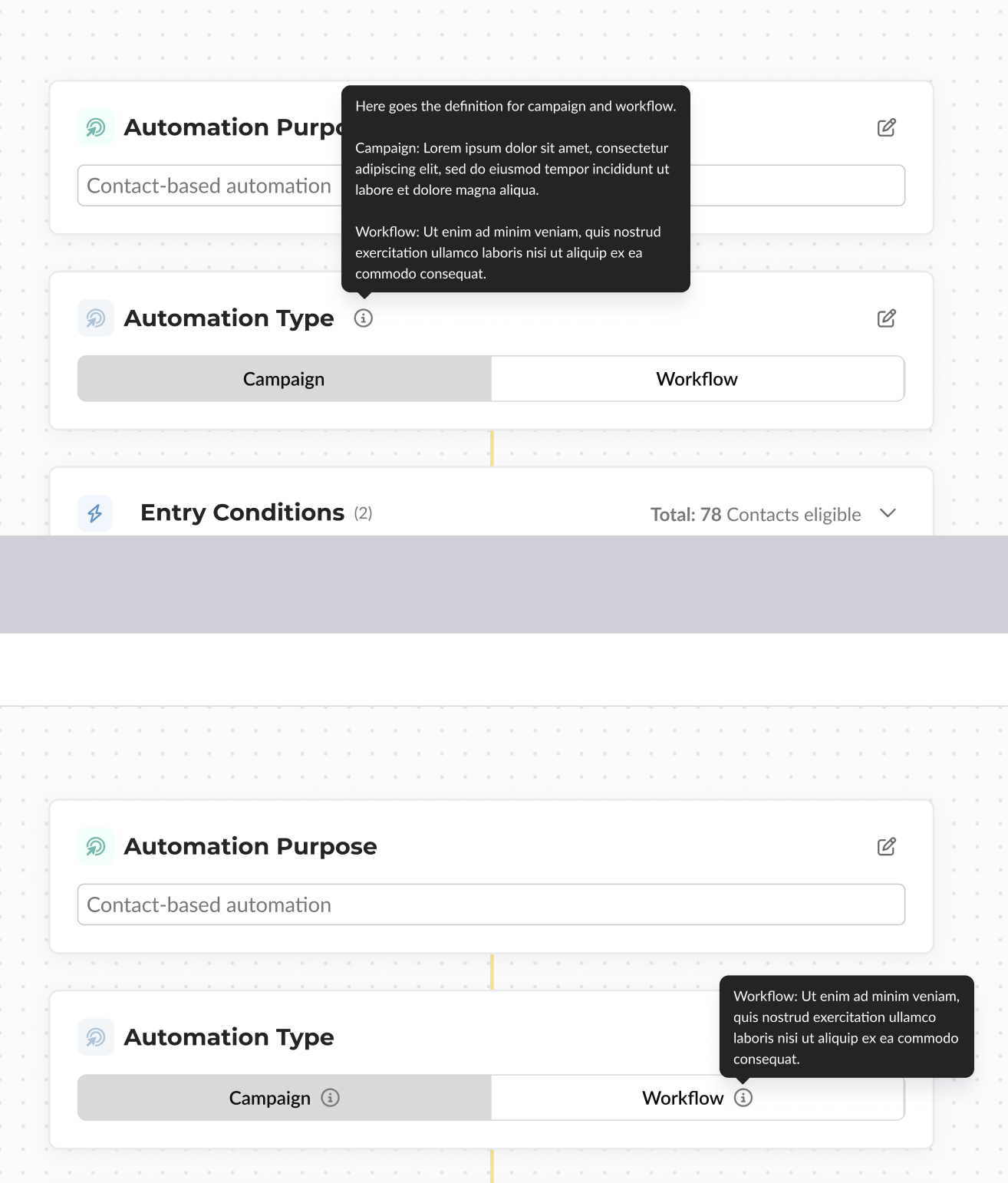
Testing asked users to set up triggers, define actions, and review results. Confusion around terminology and the distinction between automation types informed clearer descriptions, visual cues, and an introductory setup overview.
A clearer path from intent to action.
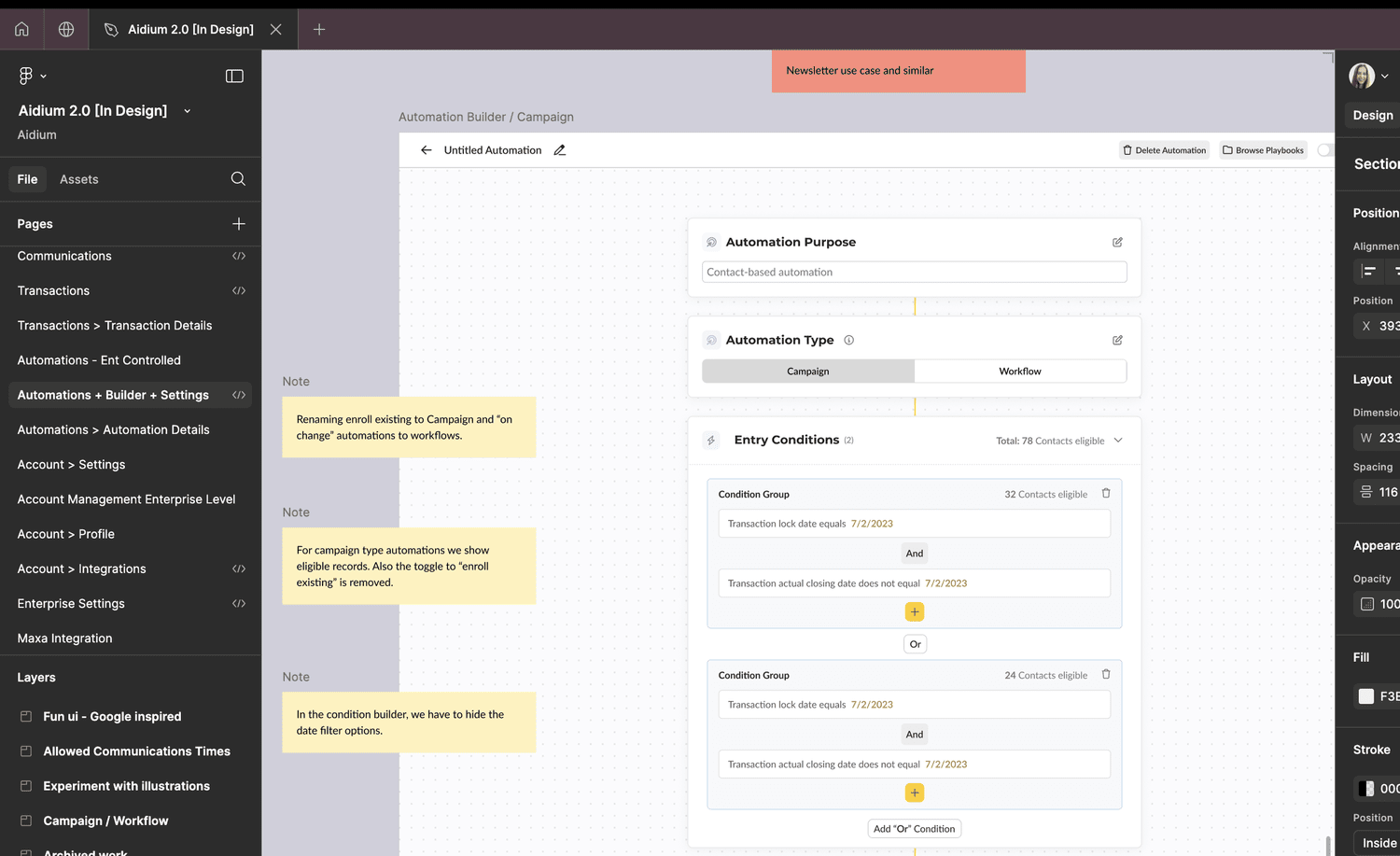
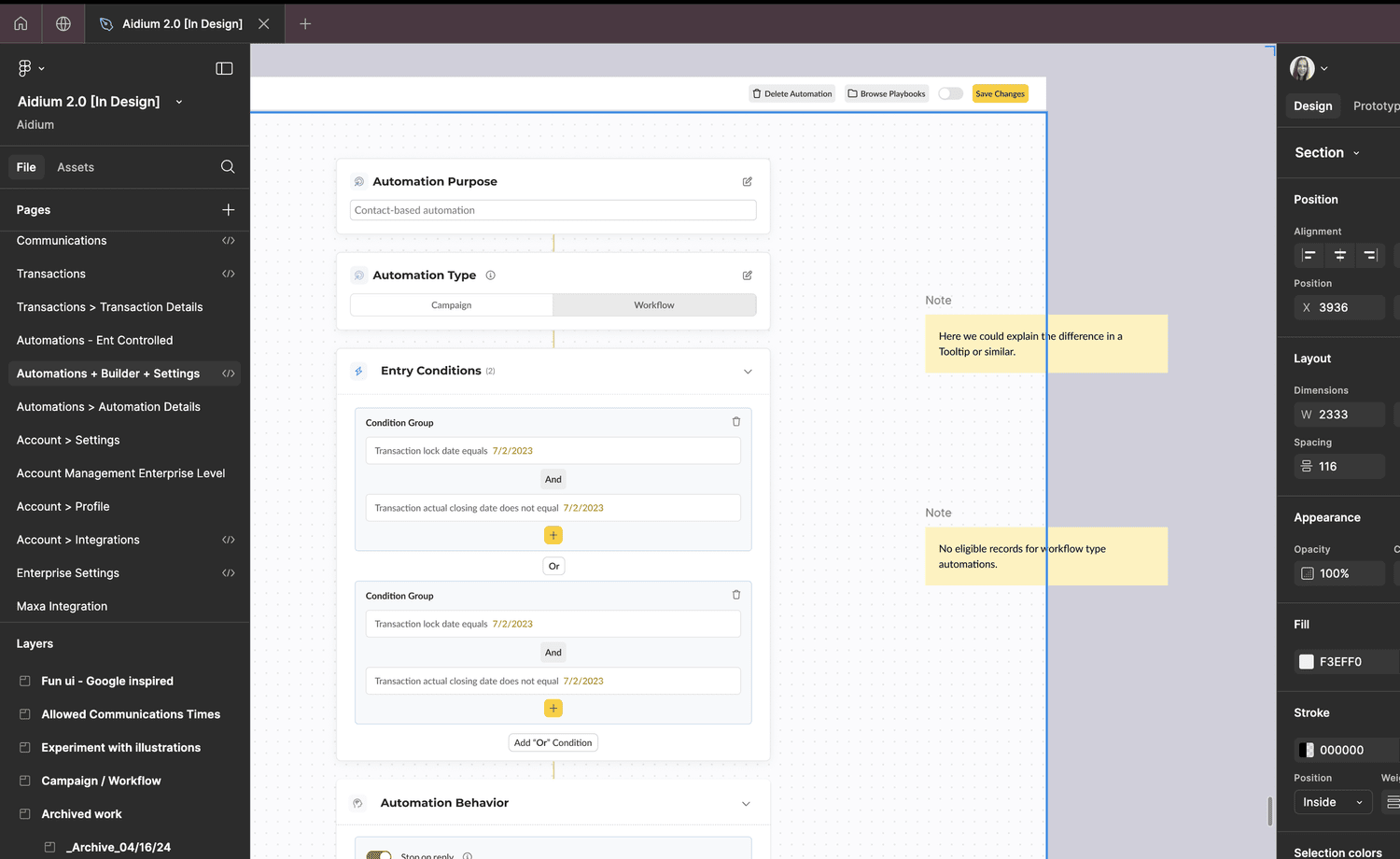
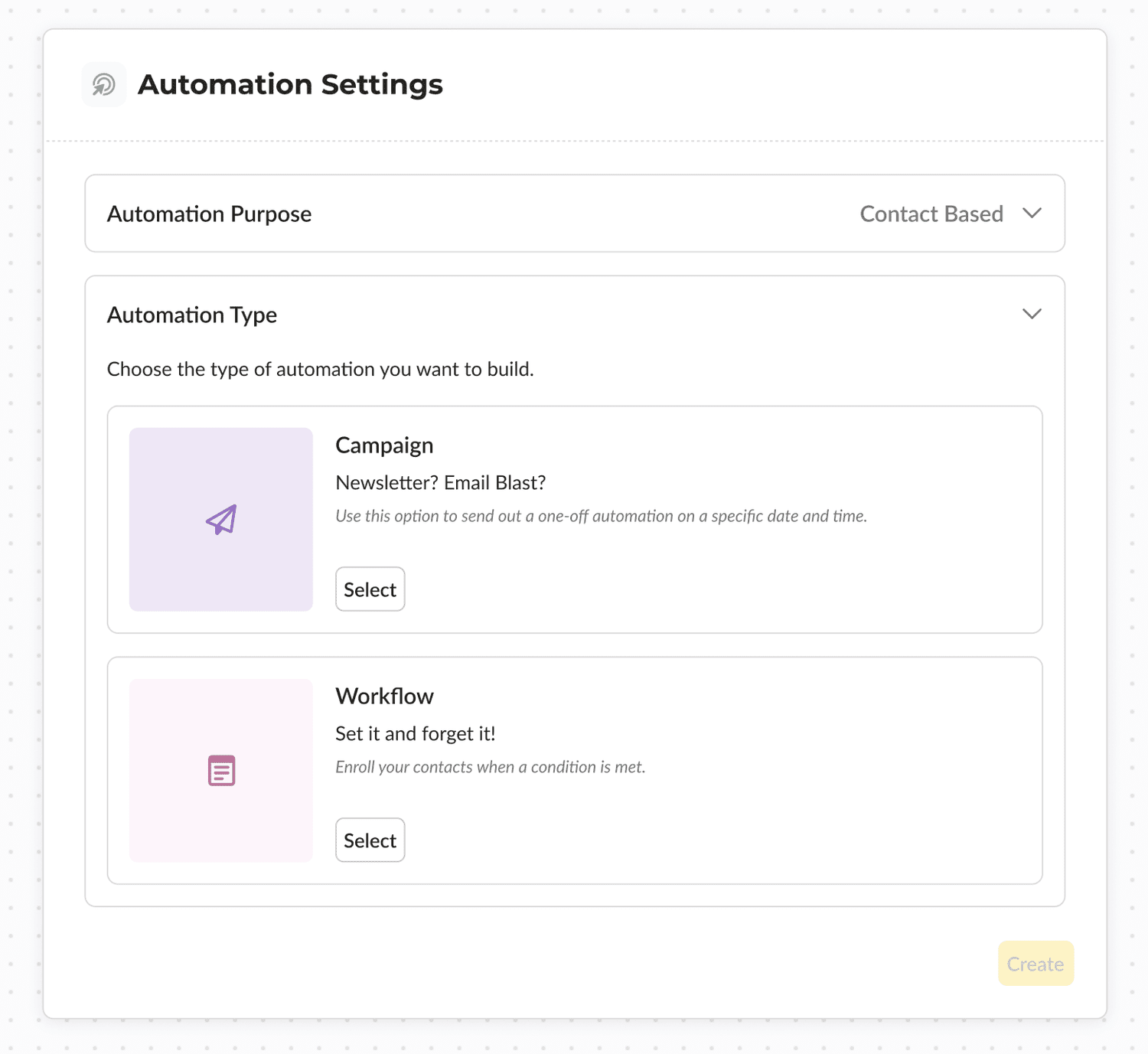
The design makes the campaign-or-workflow choice explicit. Campaigns use a guided setup for time-bound tasks; workflows support ongoing sequences with triggers, actions, and conditions.
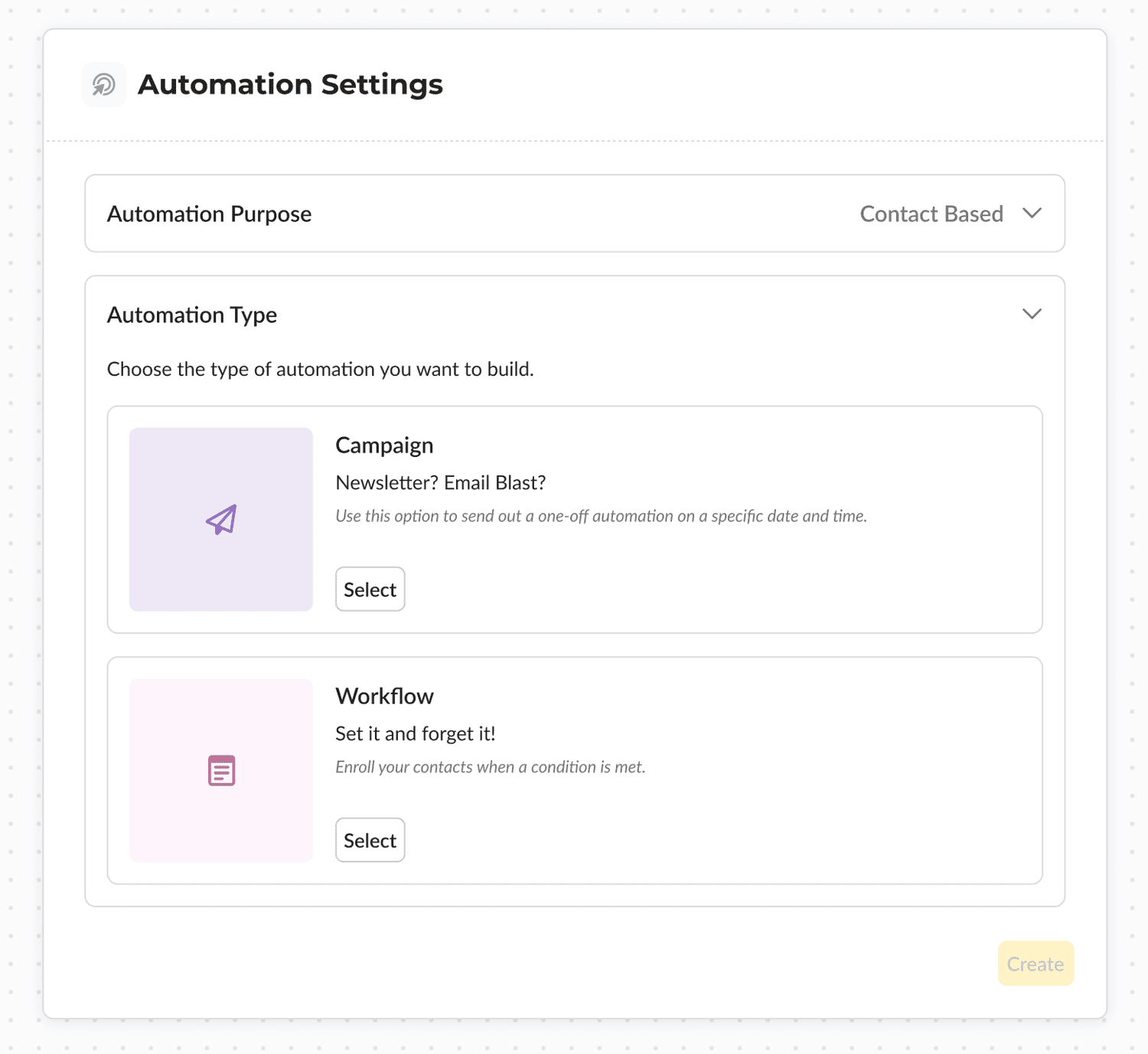
I worked with engineering on the feasibility of dynamic workflow interactions and supplied design specifications and an interaction guide. The screens below capture the setup and configuration work.
An easier system to understand and use.
The final design supports both short-term campaigns and continuing workflows. The original project documented increased automation use over three months after implementation; the chart below preserves that project artifact.
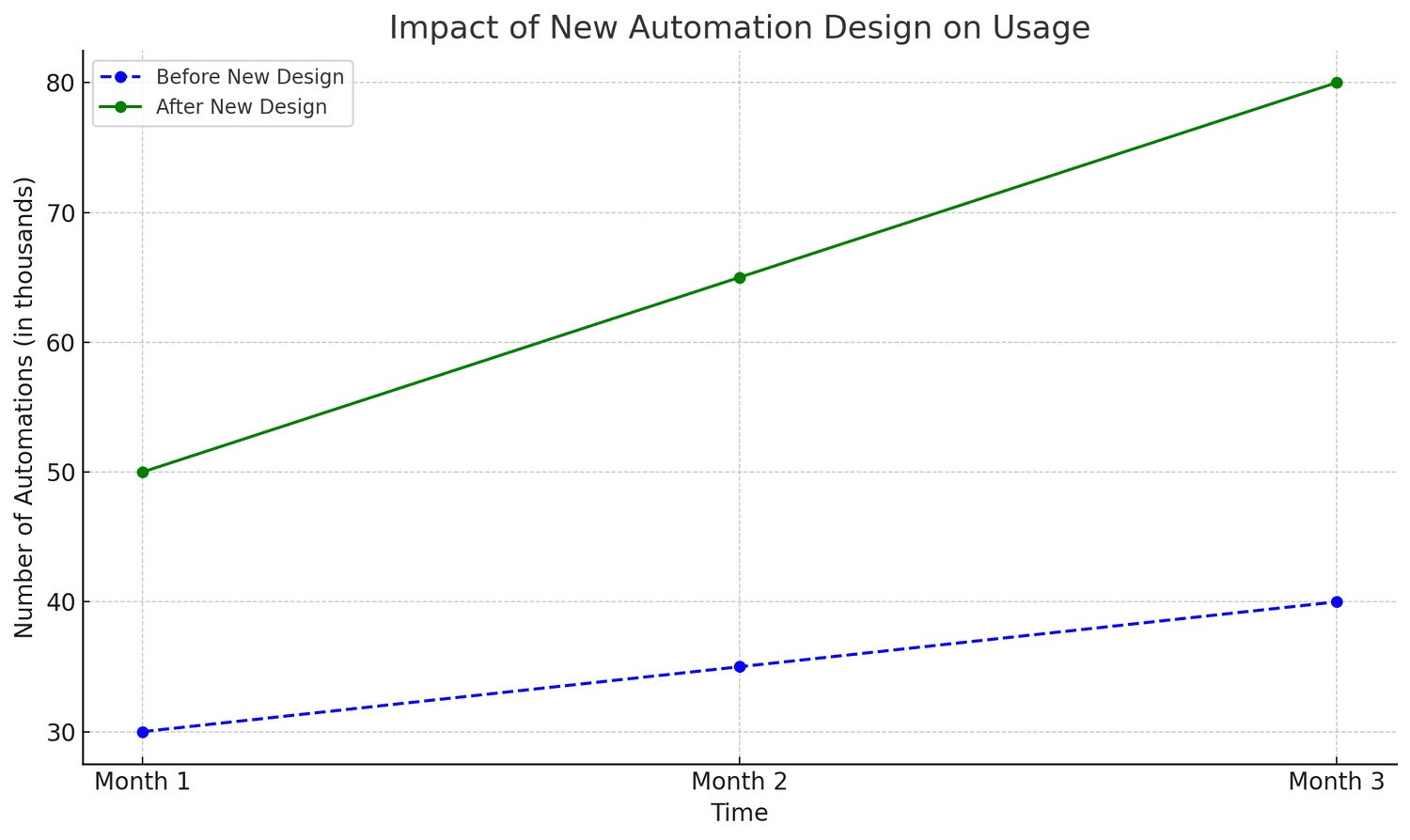
Adoption, setup errors, time saved, and customer feedback were the measures used to frame success. The central design contribution was giving users a clearer mental model for two different kinds of automation.